
Showcasing and advocating for personal, ambitious regional cinema.
Tech Guidelines
Film Fest Knox must receive your movie by September 30, 2026.
Print Traffic Questions?
Curt Willis
Senior Director, Visit Knoxville Film Office
cwillis@knoxville.org
1.865.440.1896
We will accept the following:
- Unencrypted DCP produced by a professional post-house/lab shipped on a hard drive.
- Unencrypted DCP produced by a professional post-house/lab which we will download.
- A non-DCP movie file (e.g., ProRes, h.264, etc.) that follows the tech guidelines below. Eon Entertainment will then convert this to DCP.
If you have created your own DCP (via Premiere Pro, etc.), regrettably we do not accept those files, as we have had them fail in the past. It takes more time to troubleshoot problematic DCPs than it does to convert a video file into a proper DCP. So, please instead send us a digital file. We are happy to have Eon Entertainment convert it to DCP. (Eon produces DCPs for in-house content for Regal.)
Tech Guidelines for Movie Files to be Converted to DCP
Eon can convert any movie file into a DCP. The best image quality will be a ProRes (or equivalent codec) MOV file. These tend to be very large files, which some people have trouble uploading. If file size is a problem, then our next recommendation would be an h.264 or h.265 compressed video. While compressed files don’t offer quite the same quality as ProRes, the image is still very nice and the files sizes are much smaller.
Movie files that will be converted to DCP should be submitted at 24.00fps exactly (that is, not 23.97, 25, 30, etc). If the video submitted is not 24.00, then there is a chance the audio will drift after conversion. While rare, it sometimes happens. Also, while rare, we have also had videos submitted that have a variable frame rate (typically a byproduct of encoding with Handbrake). Again, please ensure your video file is submitted at a constant frame rate of 24.00fps.
File Delivery
To ship a DCP on a hard drive:
Visit Knoxville Film Office c/o Curt Willis
301 S. Gay Street
Knoxville, TN 37902
To submit a downloadable DCP:
Email chris.dotson@eonentertainment.com and cwillis@knoxville.org with the email subject heading: “FFK DCP: [your film title]”.
To submit a downloadable movie file:
Email chris.dotson@eonentertainment.com and cwillis@knoxville.org with the email subject heading: “FFK movie file: [your film title]”.
Supported Video Formats
Because there are thousands of video codecs, any deviation from the codecs listed here are not guaranteed to work on our systems.
- Quicktime ProRes 422 (plus HQ, LT, Proxy), 4444, DNxHD/HR: These give the best image quality but will generate very large files.
- MxF JPEG2000: Usually good quality, but large files.
- MP4 H.264. H.265: Small files, but this is a compressed format and image quality may suffer.
Frame Rates and Size
24 fps, progressive is recommended. Not all theatres are equipped with the ability to play back films that are high frame rate (greater than 24 fps}. Please note that 24 fps is a true 24, not 23.98 or 25. All films will be converted to 24 fps unless verification has been made with the theatre that the auditorium supports HFR.
All DCPs will go out in one of the following:
- 2K Flat (1.85): 1998 x 1080
- wK Scope (2.39): 2048 x 858
- 4K Flat (1.85): 3996 x 2160
- 4K Scope (2.39): 4096 x 1716
At a minimum, it is recommended that your film be submitted at 1920 x 1080 resolution. Black curtains will be added to the left and right or the top and bottom to get your film to conform to the above DCP formats.
Not every theatre has 4K playback capabilities. All films will be converted to 2K unless verification has been made with the theatre that the auditorium can play back 4K.
Color and Gamma
The expected color space is Rec-709 and gamma 2.2. If your film is anything other than that, specify that in the file name of your film.
Film Safe/Active Area
To ensure important text like titles and captions are not cut off, leave a buffer of approximately 10% between your text and the edge (top, bottom, left, right) of the frame.
Film Start
There should be no color bars, slate, or 2-pop at the beginning of the film. If there is, that will appear in your DCP. It is recommended to have one to three seconds of black at the beginning and end of the film. There should not be more than three seconds.
Subtitles and Captions
These should be burned into the video prior to submission. If subtitles or captions are in a language
other than English, please include information as to what the language is.
Audio
Audio should be part of the video file if it is to be included within the DCP. If audio is a separate file from the video, it should match the video file frame to frame, including any black at the beginning or end. Any difference in length could result in audio being out of sync. Audio should be 24 bit, 48kHz.
Audio Levels
Ref levels should be -20dBFS. Output level should be 85dBc
Audio Channels
Audio can be stereo or 5.1. If 5.1, the order of channels should be L, R, C, LFE, LS, RS.
Spoken Language
As part of the DCP naming convention, the primary spoken language must be specified in the name. If the spoken language is not English, please include information as to what the language is.
DCP Mastering
Final DCPs will be encoded in JPEG200 with a maximum bitrate of 250mbps. This is in accordance with the DCI specification for US theatres.
The films will be unencrypted unless requested. If requested, we will need to know the theatres, auditoriums, and dates the film will be shown. Keys will be provided on a separate USB thumb drive.
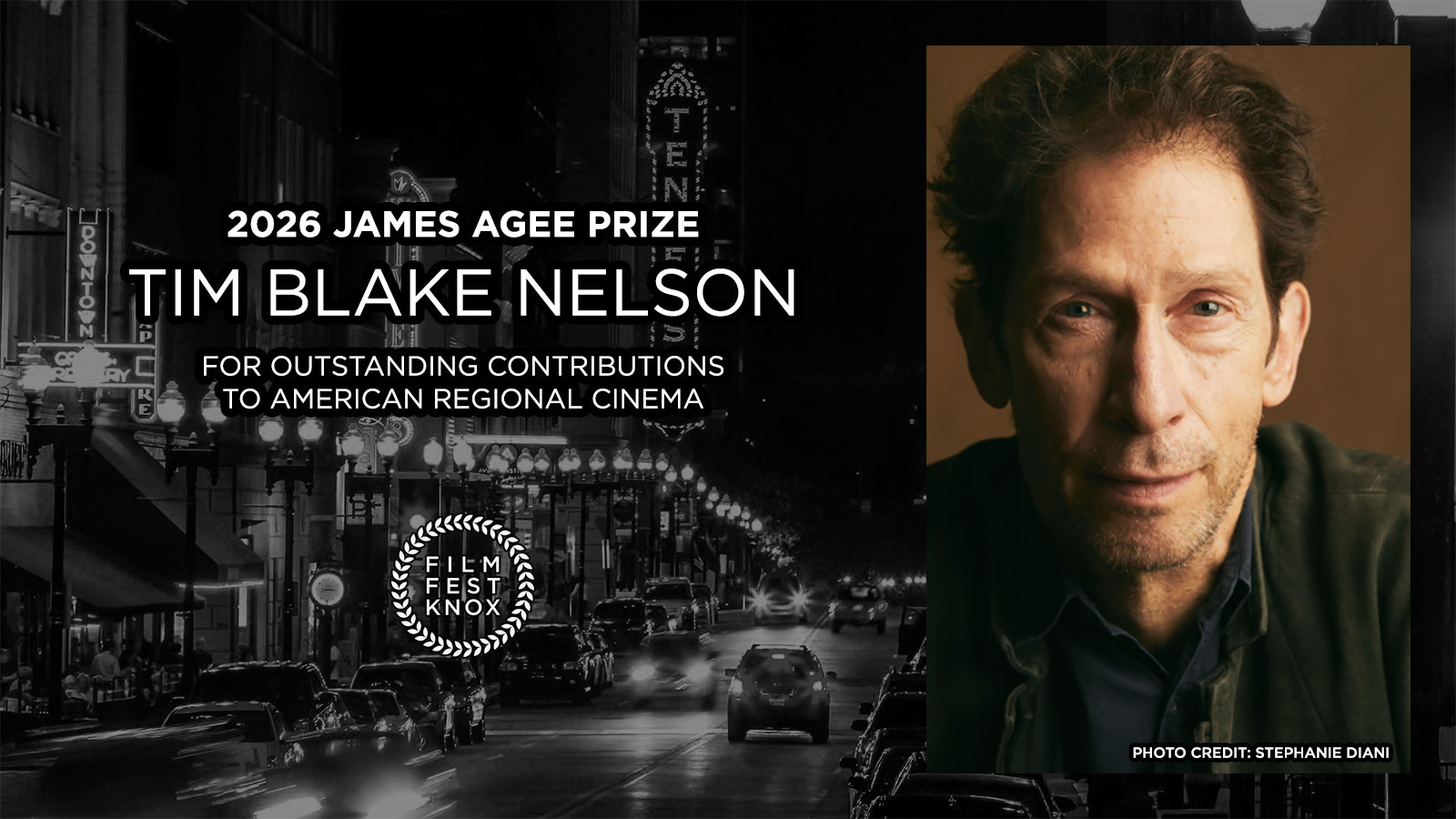
Film Fest Knox to Honor Tim Blake Nelson, Passes on Sale
August 18, 2026
Nelson will receive the James Agee Prize for his outstanding contributions to American regional cinema.
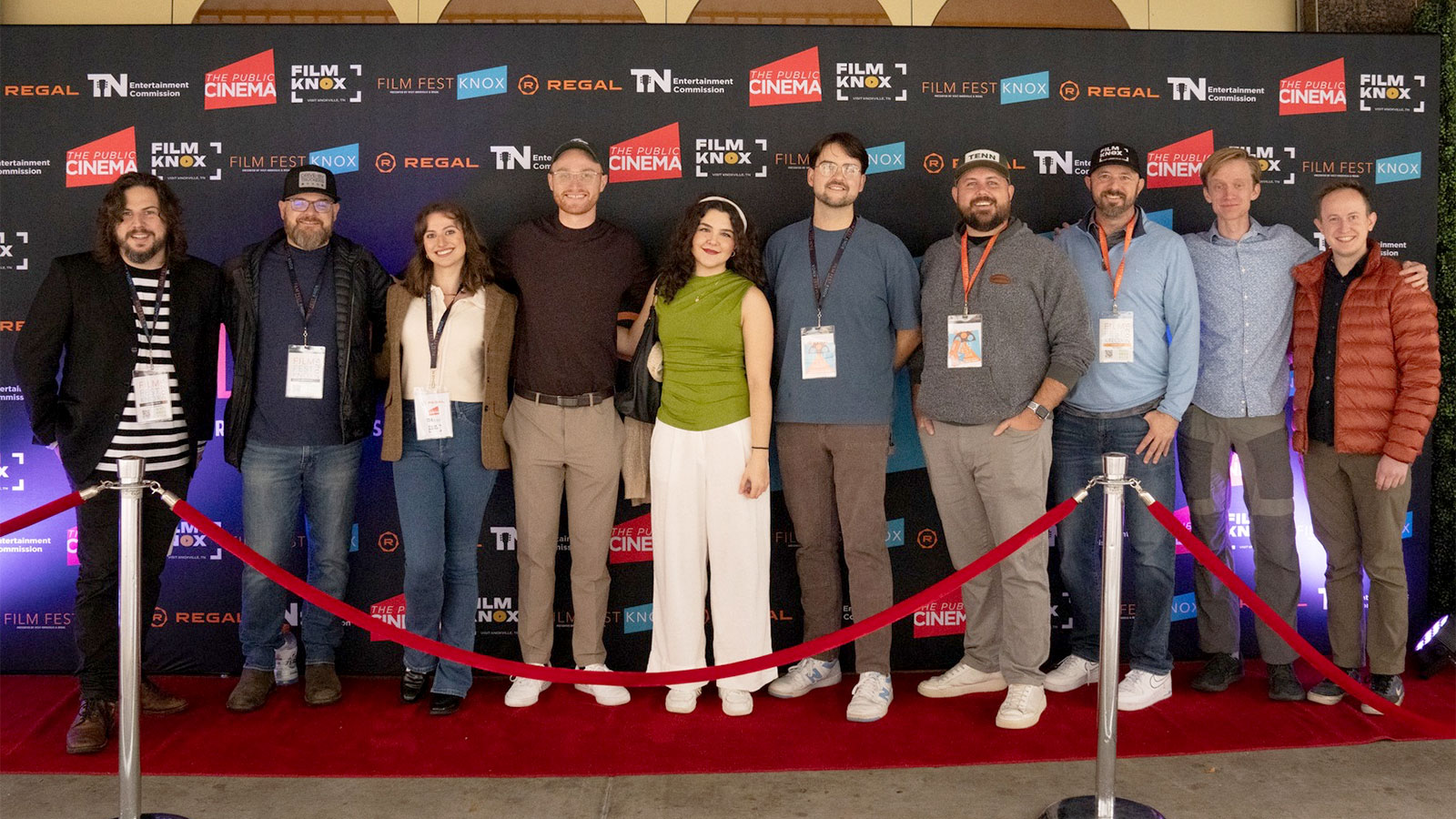
2026 Film Fest Knox and Elev8or Pitch Details
June 2, 2026
Visit Knoxville announces the fourth annual FILM FEST KNOX, to take place November 12–15, 2026 in partnership with REGAL and The Public Cinema.
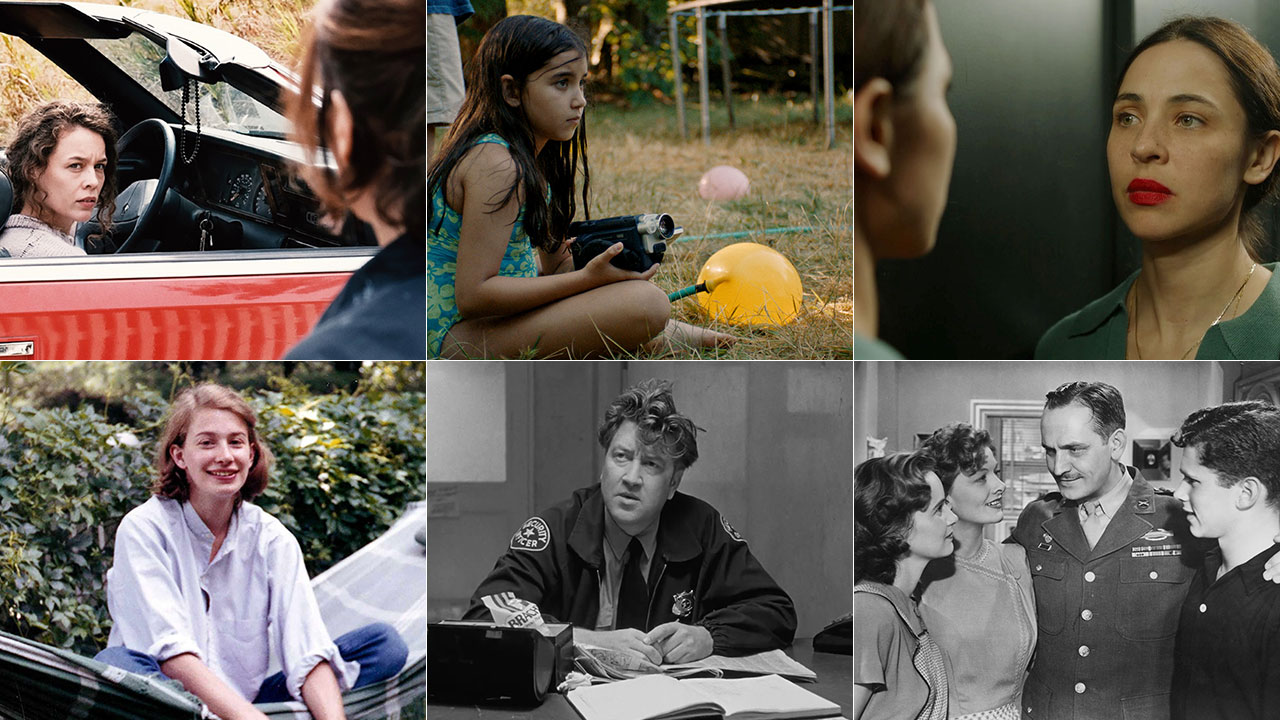
Announcing Free Film Screening Series at Regal Riviera
April 17, 2026
Six films from four countries, including restorations of two American classics.